
The job-search tool stack I'd actually use in 2026
The stack below is everything I wish I'd had back then. One tool per job find, tailor, beat the ATS, network, prep so you stop drowning in browser tabs.

When I was applying for roles in my final year, I had exactly one “tool”: the job board and my own thumb. I applied to 700+ roles, got 3 interviews, and nearly lost my mind.
The stack below is everything I wish I’d had back then. One tool per job find, tailor, beat the ATS, network, prep so you stop drowning in browser tabs.
A quick rule before the list: a tool removes the grunt work, it doesn’t remove the thinking. You still pick the roles, you still tell the truth on your resume, you still do the prep. Use these as leverage, not as autopilot for your career.
Here’s the stack.
1. Meteor - your FREE application command center
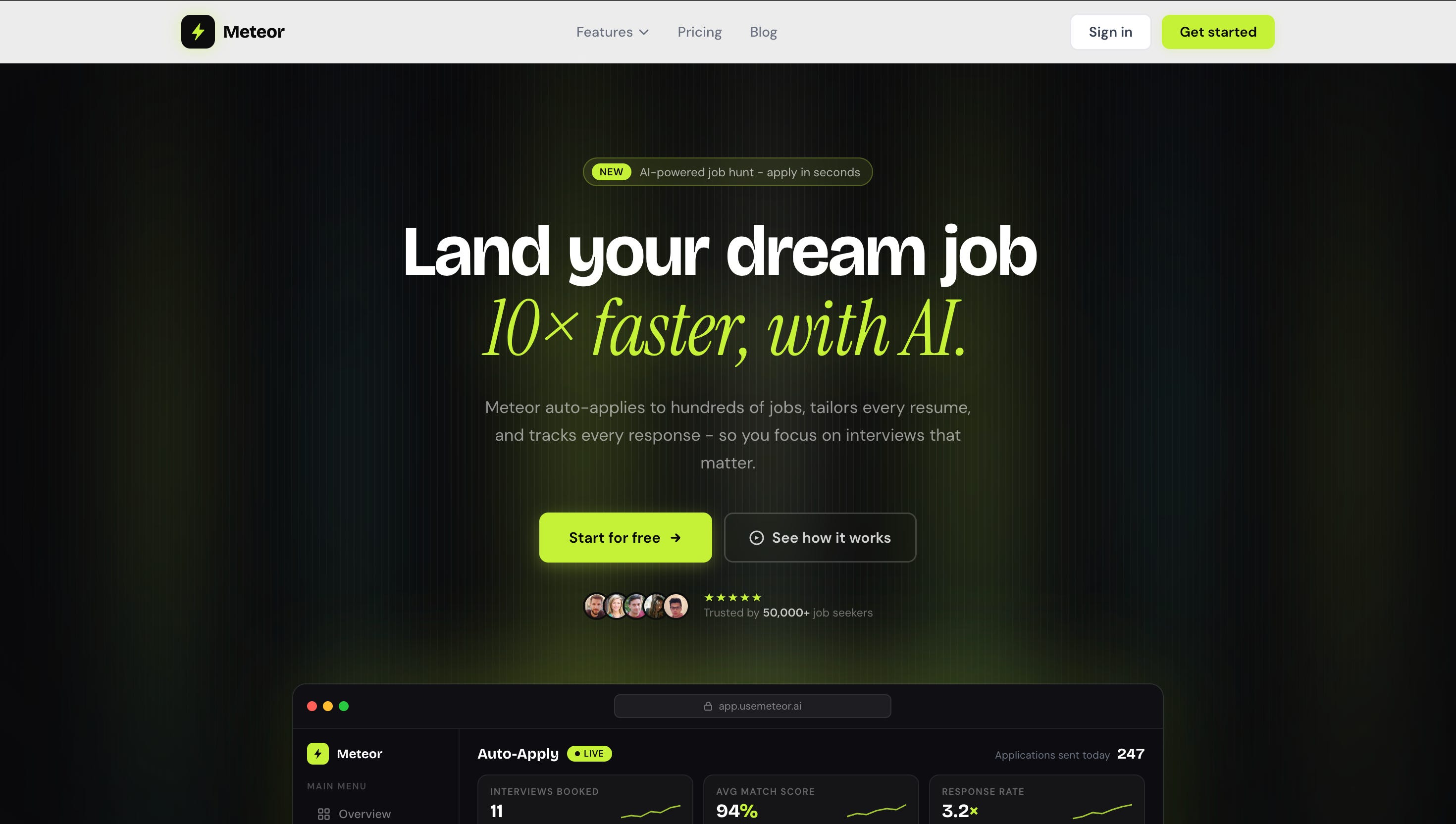
Most of the pain in a job hunt isn’t the deciding; it’s the repetitive execution. Reading the JD, pulling keywords, refining the resume, filling the same form for the 20th time, then losing track of where everything stands.
Meteor pulls that whole loop into one place. It syncs openings from job boards, ATS portals, and company career pages as they post, scores how well you match each role, rewrites your resume bullets to mirror the job description’s keywords, and keeps every application and response in one tracker.
How I’d actually use it: for the tailoring, the ATS keyword match, and the tracking. There’s a free tier, so you can run those without paying.
2. Handshake if you’re a student, start here
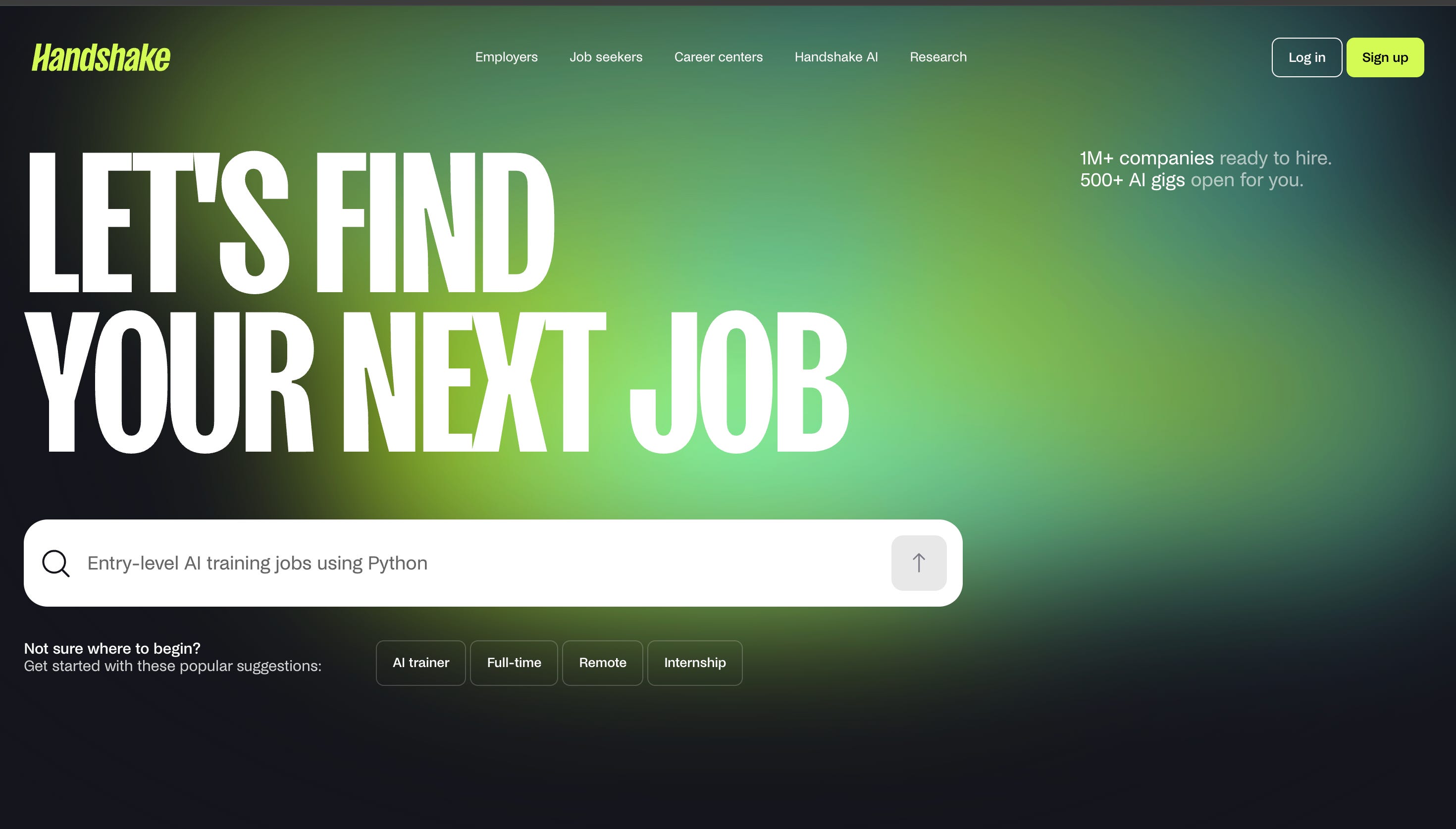
If you’re at a US university — and a lot of you reading this are, or are about to be — Handshake is the most underused tool you have. It’s tied directly to your school, so employers post internships and new-grad roles specifically looking for student talent. The applicant pools are a fraction of LinkedIn’s.
Best for: internships, new-grad roles, on-campus recruiting, career-fair prep.
Student note: this is gated to participating universities, so it’s most powerful once you’ve got that .edu login. For international students, it’s also where a lot of OPT-friendly early-career roles surface first. Set your profile up fully before recruiters come looking.
3. LinkedIn (+ Sales Navigator) — get found, then reach out
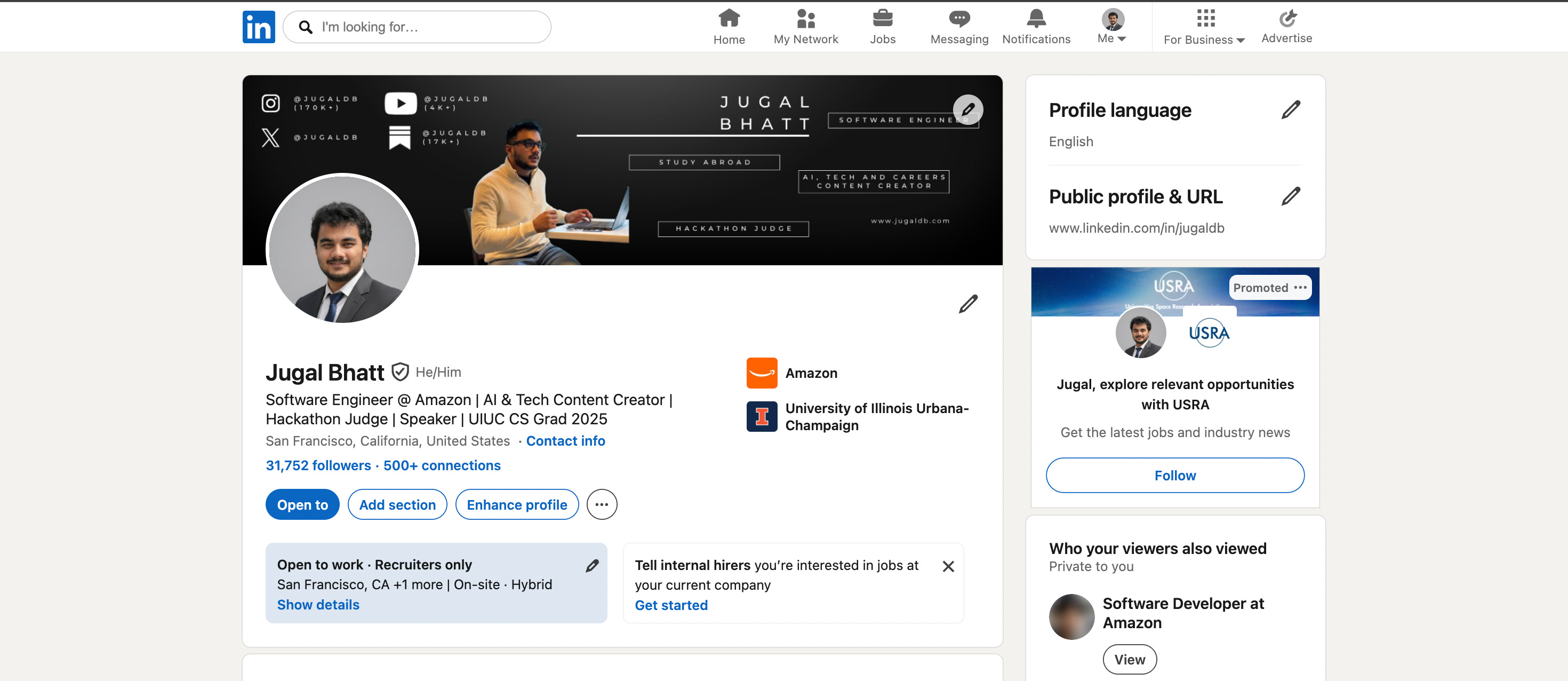
The thing that flipped my job search wasn’t applying harder. It was getting found. Fix your headline (real job titles, not “passionate aspiring engineer”), write an About section that reads like a story, post your work weekly. When I did this, my profile views jumped 340% and recruiters started messaging me.
Best for: inbound recruiter interest, networking, reaching team leads before a role is even posted.
Power move: a free Sales Navigator trial lets you filter and find the exact recruiter or hiring manager for a team, so your outreach lands on a real person instead of a black hole.
5. Overleaf + Jake’s Resume — a resume that survives the parser
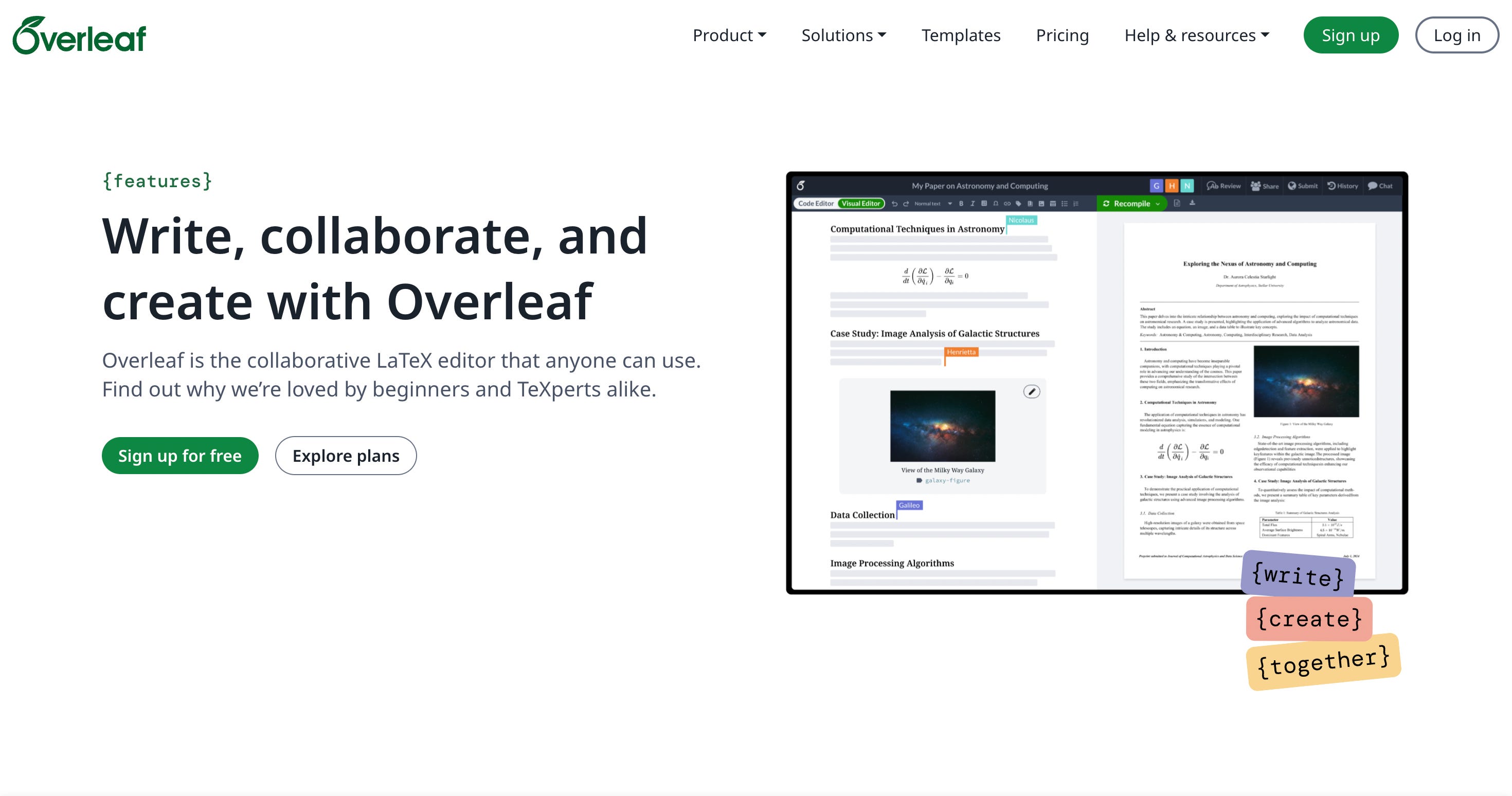
Fancy Canva resumes look great and confuse half of all ATS systems. The reliable move for tech roles is a clean, single-column LaTeX resume. Jake’s Resume template on Overleaf is the one I and half of engineering Twitter use — it’s free, it parses cleanly, and it looks sharp.
Best for: your base resume that you then tailor per role.
Quick action: build it once, keep one master version, and spin up tailored copies from there.
7. Levels.fyi — so you never undersell yourself
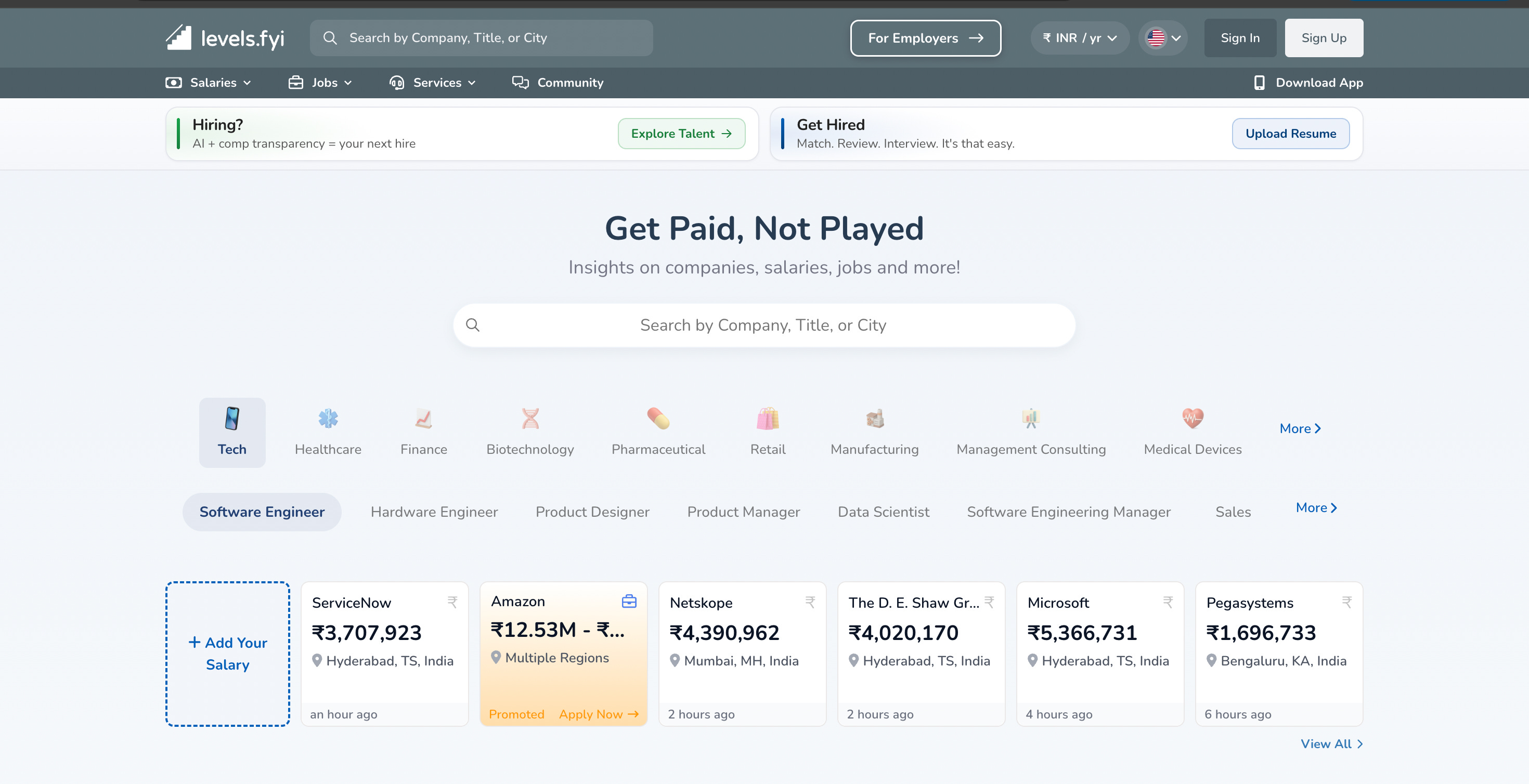
This one’s not about applying — it’s about not getting lowballed. Levels.fyi shows real compensation and leveling data for tech companies, broken down by role, level, and location. As an international student especially, knowing what an L4 at a company actually pays is the difference between negotiating and nodding.
Best for: comp research, leveling, negotiation prep.
8. Glassdoor — do your homework before the interview
Before any interview, spend 20 minutes reading the company’s recent reviews and — more useful — the actual interview questions past candidates reported. It’s the cheapest edge you can get walking into a loop.
Best for: company research and real, role-specific interview questions.
9. LeetCode — for the coding rounds
No way around this one for tech. When I went through my Amazon loop — three technical rounds plus a Bar Raiser — deliberate practice was the whole game. Don’t grind 800 problems randomly; work the patterns and the company-tagged lists.
Best for: DSA and coding-interview prep.
Pair it with: a free mock-interview platform like Pramp/interviewing.io to practice out loud, because solving silently and explaining under pressure are two different skills.
10. Claude (or ChatGPT) — the thinking partner behind all of it
The AI assistant is the glue. Use it to draft the first version of your bullets, turn your raw experience into quantified achievements, prep behavioral stories, and pressure-test your answers. But you edit. AI gives you a 70% draft fast, your job is the last 30% that makes it true and yours.
Best for: drafting, rewriting, brainstorming, prep everything above, faster.
That’s a real application engine, started in half an hour.
The tools don’t get you the job. A targeted list, a tailored resume, and showing up prepared do. The stack just deletes the busywork, so you have the energy left to do those three things well.
Save this one, you’ll want it the next time you’re 30 tabs deep at 1 am.
Until next week, Jugaldb
Thanks for reading Ascend.
This is a really great list that you’ve put together 🙌🏼